PRIMECOR ZERO

C5-C6 UAS conversion kit

U-space safety management system designed to ensure approved execution of safety-critical unmanned urban operations and in-line with the highest reliability requirements from civil authorities.

USEFUL INFORMATION

MANUALS

PRIMECOR TRACKER FOR UAS

Thank you for choosing PrimeCor Tracker!

This innovative device not only provides precise GNSS location broadcasting for your UAS but also transmits UAS location data via the mobile network to UTM/U-space services, thereby enabling visualization of drone geolocation and fulfillment of Remote ID regulatory requirements.

Box contents

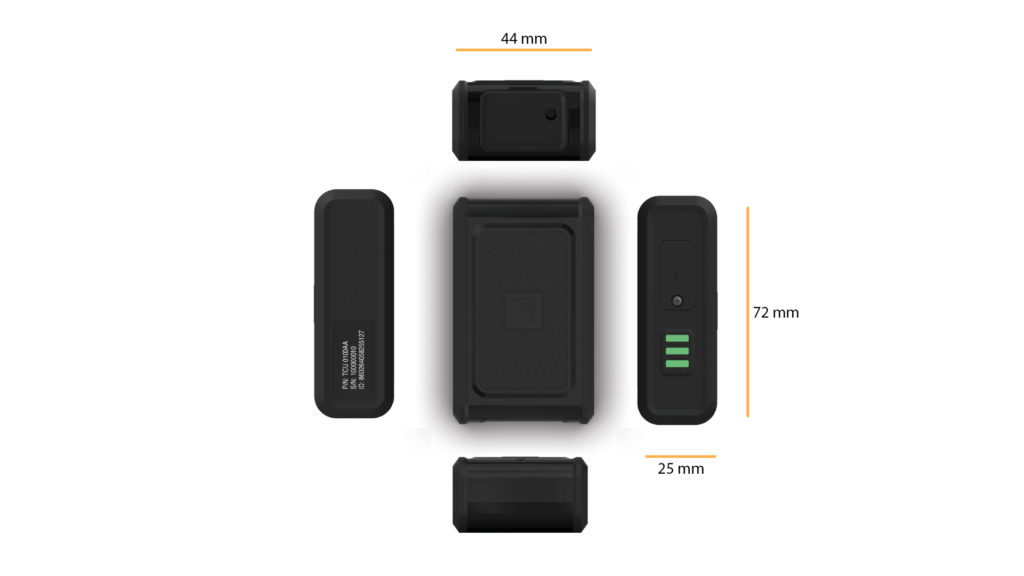
DIMENSIONES TCU

When you purchase PrimeCor Tracker, you will receive:

  • 1 x PrimeCor tracker
  • Velcro pack


Note: To reduce waste and promote sustainability, we have chosen not to include a USB-C cable in the package, as many users already own one. If necessary, please purchase a compatible standard USB-C cable for charging.

Device description

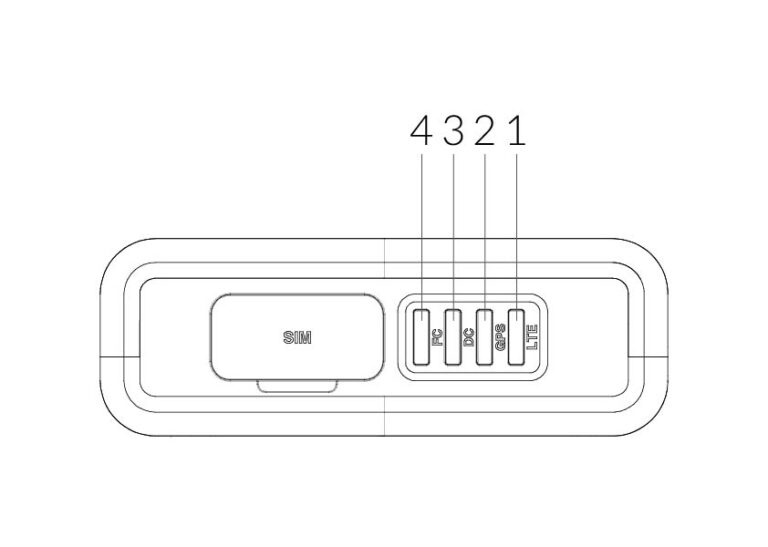
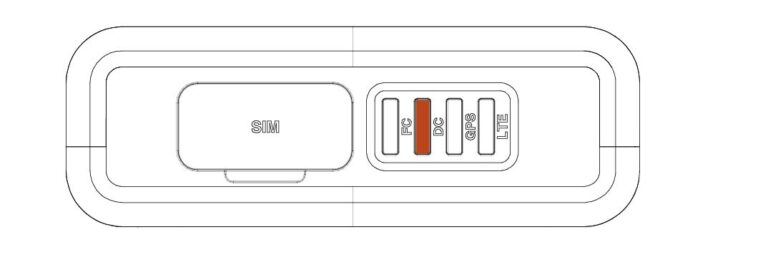
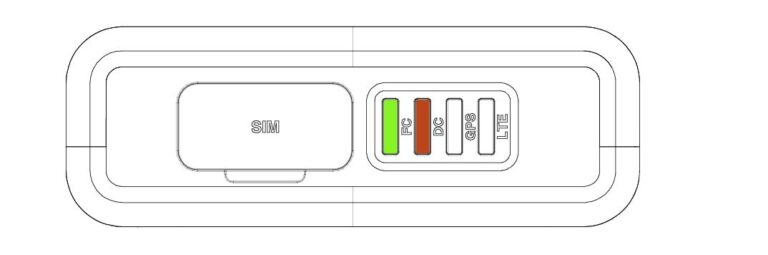
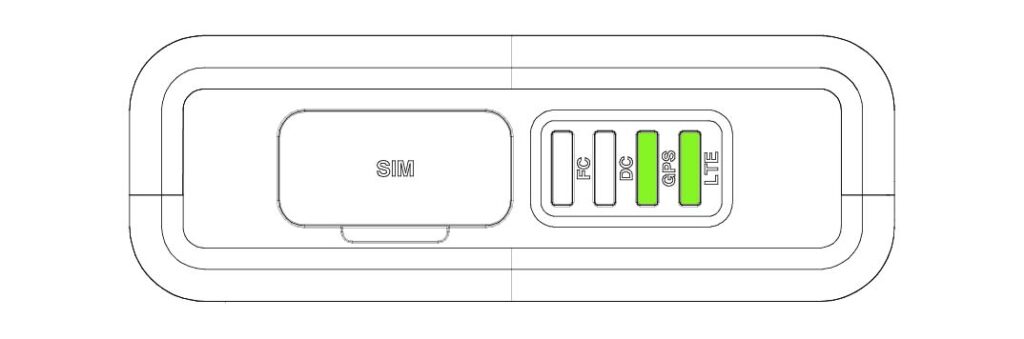
Four LED indicators:

These LEDs will inform you about the device’s status and operation:

1. LTE
2. GNSS
3. Device Charging, DC
4. Full Charge, FC

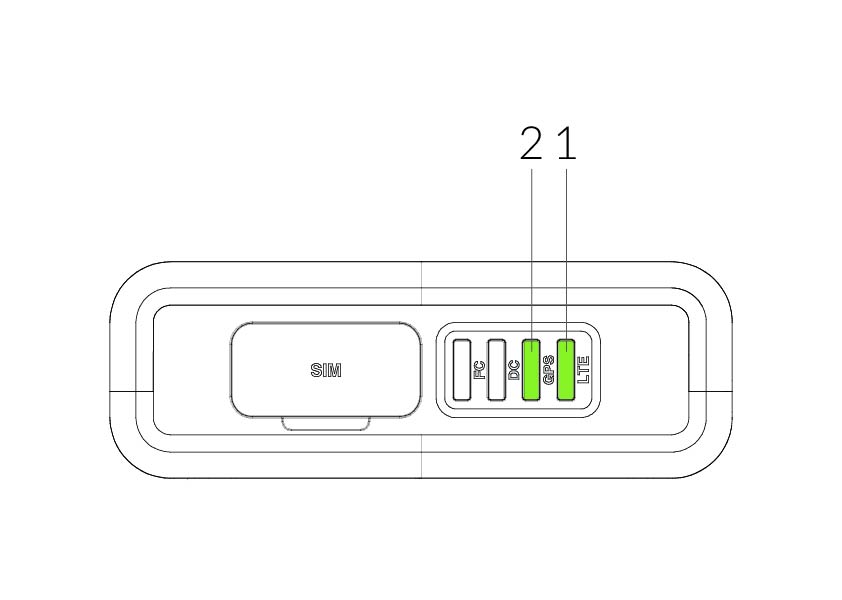
LED indicators for mobile network connection and GNSS signal status:

1. Green (LTE): It indicates the network connection status.

2. Green (GNSS): It indicates the GNSS signal status.
*The flashing indicator means it is awaiting signal fix.

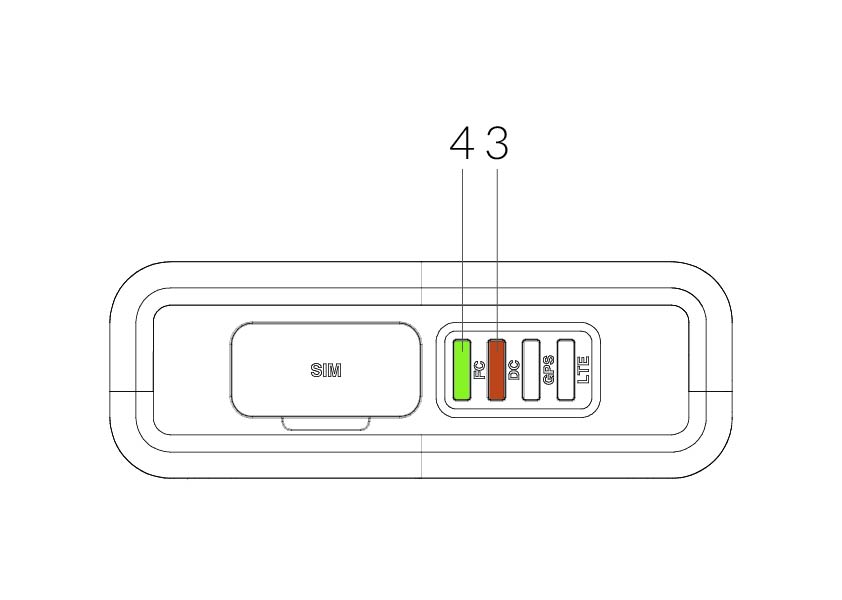
Battery charge status indicators:

3. Red (Device Charging, DC): This LED will light up when connected to a 5V source via USB-C, indicating the device is charging.

4. Green (Full Charge, FC): It indicates that charging of the device
is completed.

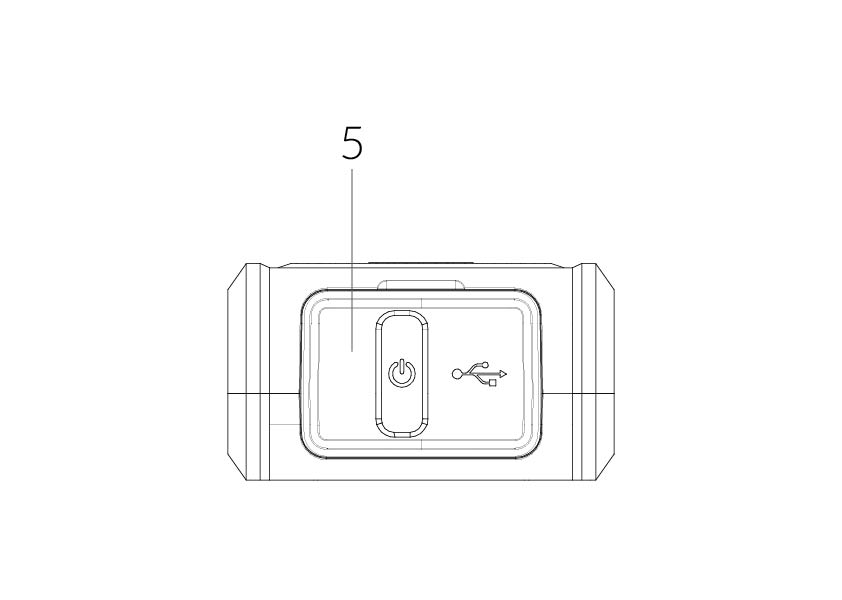
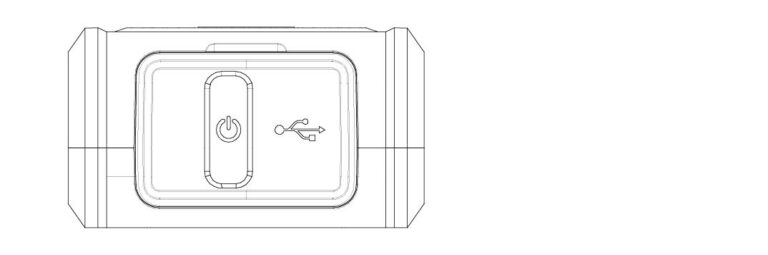
5. Rubber cap.

This cap protects the USB-C connector from dust and water, ensuring longer durability.

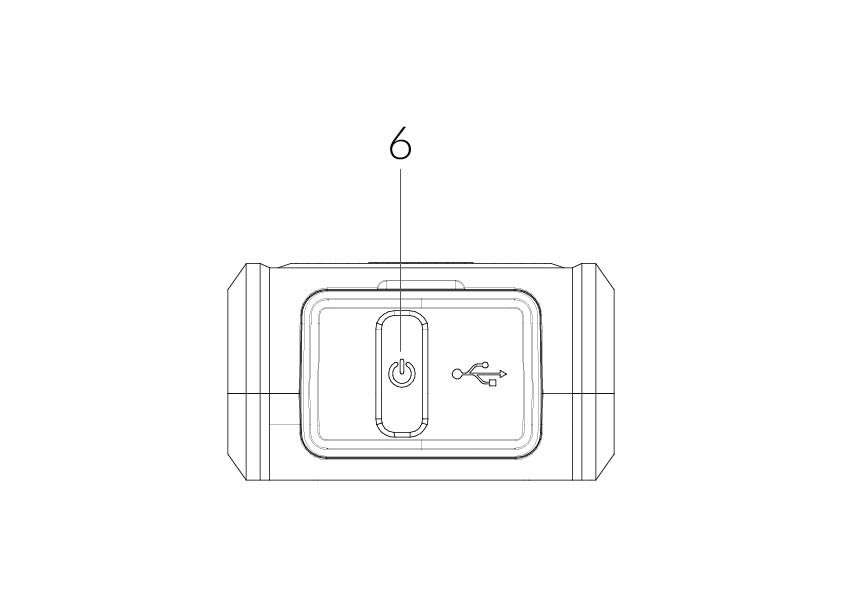
6. Power button.

This button allows you to switch on the device.

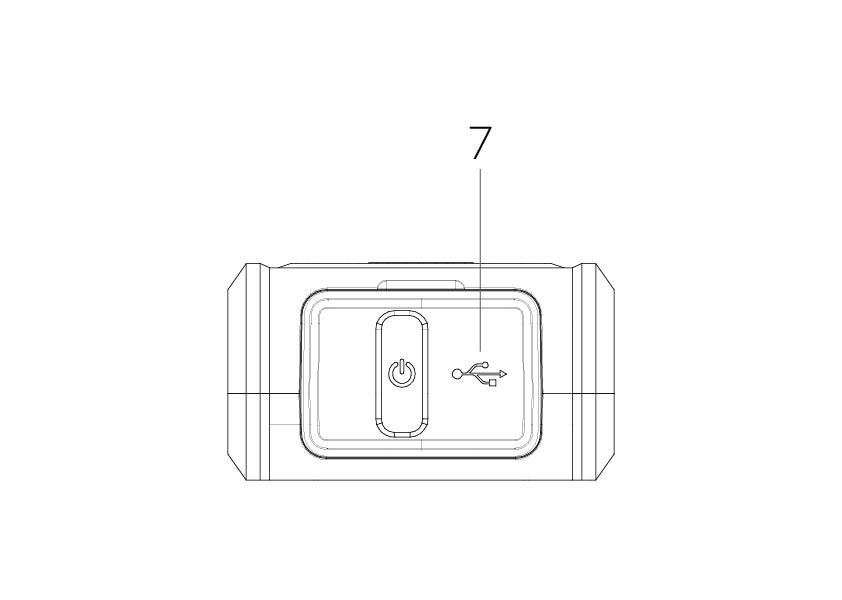
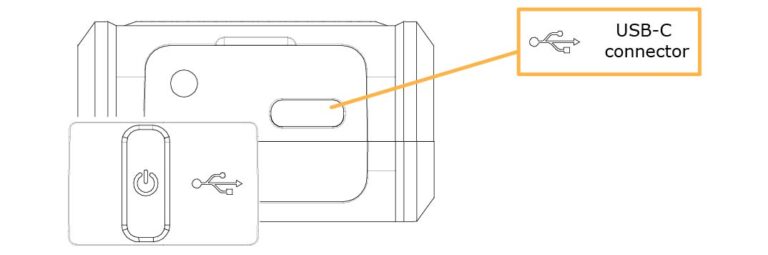
7. USB-C connector.

Protected by a rubber cap, there is a USB-C socket for device charging. It is essential to use a standard, high-quality USB-C cable to ensure proper charging. ​

Charging the device

1. Carefully remove the rubber cap to access the USB-C socket.
2. Connect the device to a 5V source using a standard USB-C cable (not included). The red LED will light up, indicating that it is charging.
3. Once the green LED (Full Charge, FC) lights up, the device will be fully charged.
4. Replace the rubber cap once charging is complete to protect the connector.

Switch on the device

  • It is recommended to fully charge the device before each operation (see previous point “charging the device”).
  • Press the only available button on the device to turn it on.
  • Once turned on, the LEDs will begin to indicate the status of the LTE and GNSS connections. Make sure both green LEDs (LTE and GNSS) stop flashing and display steady green lights before takeoff.

Placing on the drone

Ensure the device is securely positioned horizontally near the drone’s center of gravity. The arrow on top of the tracker should face the sky. Make sure it does not obstruct other electronic equipment functions. Choose a location with an unobstructed view of the sky for optimal GNSS signal reception.

Safety recommendations

  • Proper use: Avoid using the device at temperatures above 40ºC while charging, and above 50ºC during normal operation, or in high humidity conditions.
  • Safe charging: Always use certified USB-C chargers and cables to prevent potential damage.
  • Maintenance: In case of issues, do not attempt to open or repair the device yourself. Contact the authorized technical service.
  • Water and dust: Avoid submerging or exposing the device to heavy rainfall; it’s designed to resist dust and limited water splashes.
  • Storage: When not in use, store the device in a cool and dry place.
  • Interferences: Avoid using the device near other electronic equipment that might cause interference.
  • Careful handling: handle the device with care, prevent drops or sudden impacts.

Remarks

  • SIM card: The device is primarily intended for use with IoT SIM cards. The Manufacturer shall not be liable for performance issues caused by third-party network services. Use of non-compatible SIM cards is at the user’s risk.
  • Outdoor use: This device is primarily designed for outdoor use in environments with few obstacles. Indoor performance of the GNSS location system is not guaranteed.
  • Warranty voidance warning: Inproper use may void the warranty. Please adhere to the instructions and safety recommendations outlined in this user manual.

A true solution without regulatory worries

PrimeCor Tracker complies with EN 4709-002, enabling operators to meet the requirements of direct remote identification as outlined in Implementing Regulation (EU) 2019/947 (Declaration of Compliance). All drones operating in specific category and drones with class marks operating in the open category will be required to have direct remote identification.